Learn how to download and install Microsoft Office 365, and discover the many benefits of using this powerful productivity suite. This article includes everything you need to know about Microsoft Office 365, from its features and pricing to how to get started.
Microsoft Office 365 is a cloud-based suite of productivity tools that includes Word, Excel, PowerPoint, Outlook, OneNote, and more. It is available for a variety of devices, including PCs, Macs, tablets, and smartphones. Office 365 is a popular choice for businesses and individuals alike because it offers a wide range of features and functionality at a relatively affordable price.

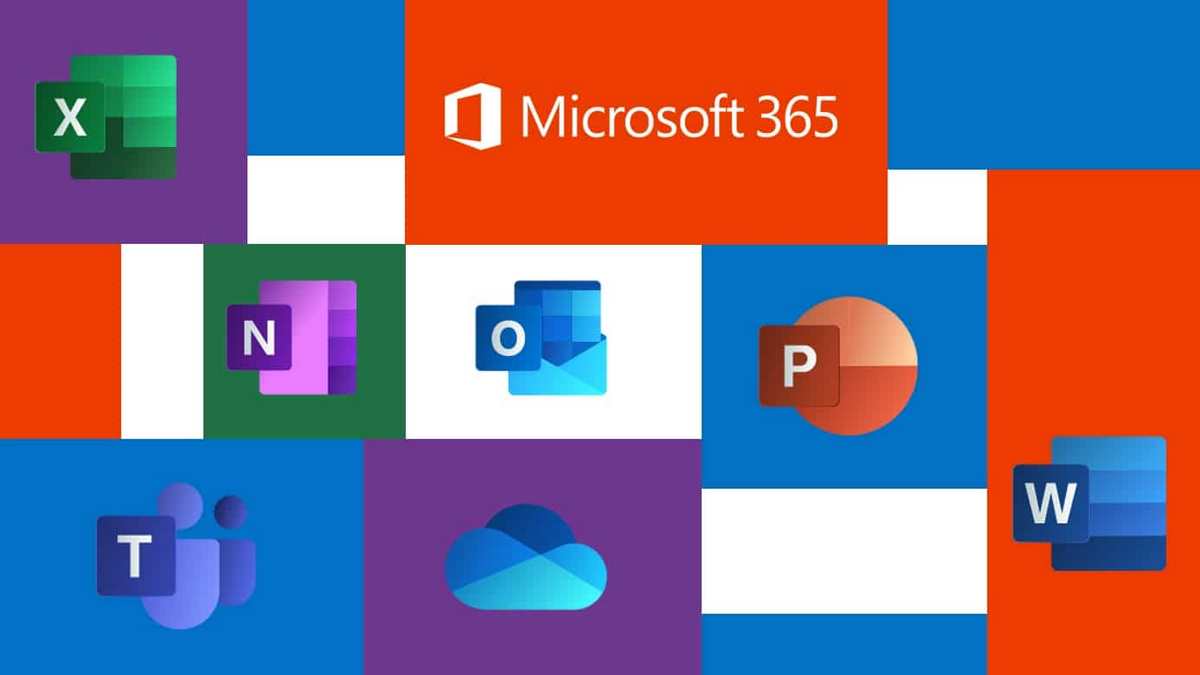
What is Microsoft Office 365?
Microsoft Office 365 is a cloud-based subscription service that provides access to a suite of productivity and collaboration tools, including Word, Excel, PowerPoint, Outlook, and OneDrive. Office 365 is available for individuals, families, businesses, and schools.
With Office 365, you can:
- Create and edit documents, spreadsheets, presentations, and other files using the latest versions of the Office apps.
- Store your files in OneDrive, a cloud storage service that lets you access your files from anywhere.
- Share files and collaborate with others in real-time.
- Use Microsoft Teams, a communication and collaboration platform for teams to chat, meet, and share files.
- Get access to security features to protect your data.
- Receive automatic updates to the Office apps and features.
Office 365 is a popular choice for businesses and individuals because it offers a wide range of features and functionality at a relatively affordable price. It is also easy to use and can be accessed from a variety of devices, including PCs, Macs, tablets, and smartphones.
Here are some of the benefits of using Microsoft Office 365:
- Collaboration: Office 365 makes it easy to collaborate with others on documents, spreadsheets, presentations, and other projects. You can share files with others, work on documents together in real time, and leave comments and feedback.
- Mobility: Office 365 apps are available for a variety of devices, so you can work on your documents, spreadsheets, presentations, and other projects from anywhere.
- Security: Office 365 uses the latest security features to protect your data. Your files are encrypted at rest and in transit, and you can use multi-factor authentication to add an extra layer of security to your account.
- Updates: Microsoft Office 365 is automatically updated with the latest features and security fixes. This means that you can always be sure that you are using the latest version of Office 365 with the most up-to-date features and security.
If you are looking for a productivity and collaboration suite that can help you to be more productive and efficient, then Microsoft Office 365 is a great option to consider.
How to Download and Install Microsoft Office 365
To download and install Microsoft Office 365, follow these steps:
- Go to the Microsoft Office 365 website i.e https://www.office.com/ and sign in to your account.
- Click the Install Office button.
- Select the language and version of Office 365 that you want to install.
- Click the Download button.
- Once the download is complete, open the installer file and follow the on-screen instructions.

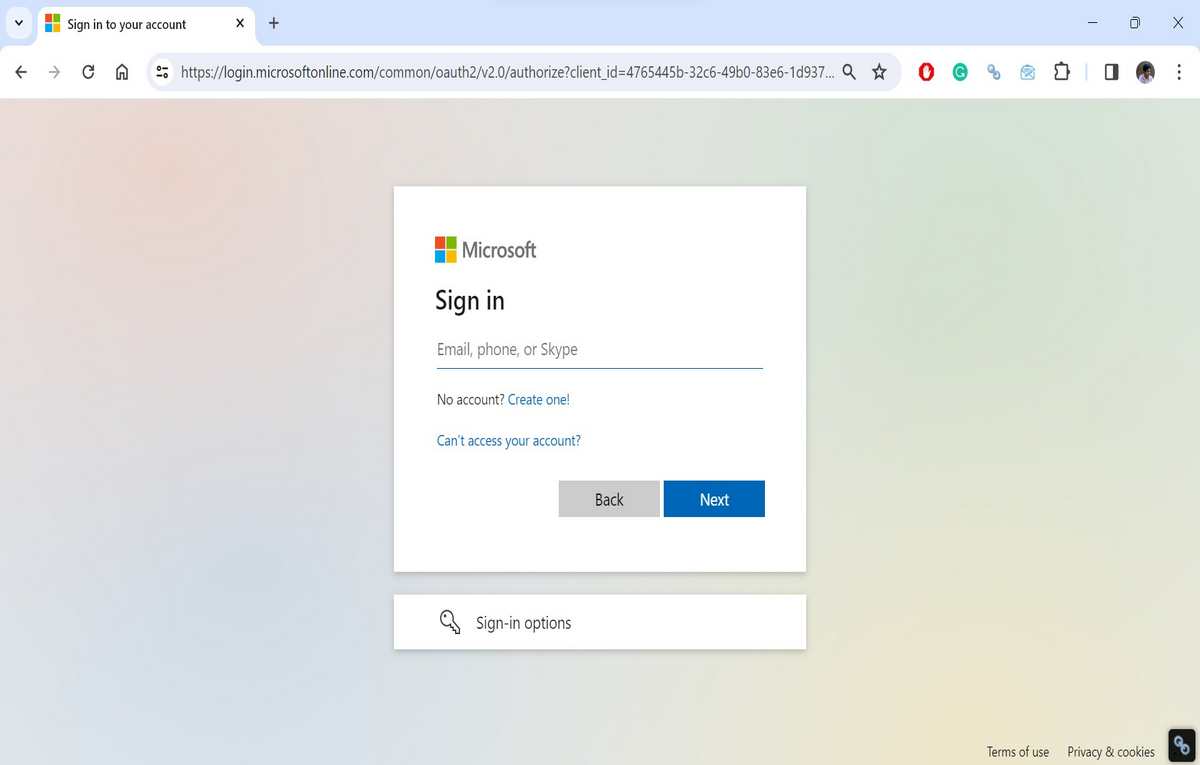
How to login Microsoft Office 365 account?
There are two ways to log in to your Microsoft Office 365 account:
- Web browser: Go to office.com and click the Sign in button in the upper-right corner of the page. Enter your email address and password and click Sign in.
- Office app: Open an Office app, such as Word, Excel, or PowerPoint. If you’re not already signed in, click Sign in. Enter your email address and password and click Sign in.
Once you’re signed in, you can access all of your Office 365 files and apps.
If you find any issues logging into your account, you can follow the Office 365 Login guide published by Techshali.com.
Here are some additional tips for logging in to your Microsoft Office 365 account:
- If you’re using a public computer, be sure to sign out of your account when you’re finished using it.
- If you forget your password, you can reset it by clicking Forgot your password? on the sign-in page.
- If you’re having trouble logging in, contact Microsoft support for help.
Here are some of the common error messages that you may encounter when logging in to your Microsoft Office 365 account:
- Invalid username or password: Make sure that you’re entering your email address and password correctly.
- Account locked: If you’ve entered your password incorrectly too many times, your account may be locked. To unlock your account, contact Microsoft support.
- Account suspended: If your account has been suspended, you won’t be able to log in. To find out why your account has been suspended and how to get it reinstated, contact Microsoft support.
Also see:
Features of Microsoft Office 365
Microsoft Office 365 includes a wide range of features and functionality, including:
- Word: A powerful word processor for creating and editing documents.
- Excel: A spreadsheet program for creating and managing spreadsheets.
- PowerPoint: A presentation program for creating and delivering presentations.
- Outlook: An email and calendar program for managing your email, calendar, and contacts.
- OneNote: A digital notebook for taking notes, organizing your thoughts, and collaborating with others.
- OneDrive: A cloud storage service for storing your files and accessing them from any device.
- Microsoft Teams: A communication and collaboration platform for teams to chat, meet, and share files.

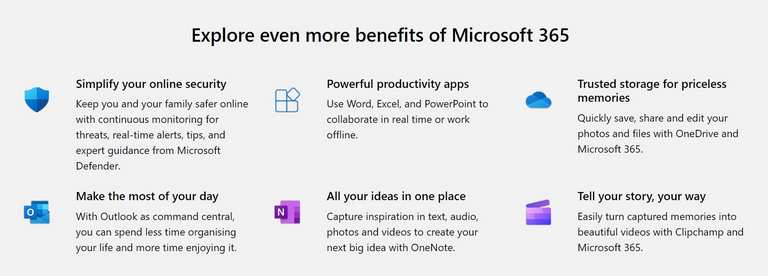
Benefits of Using Microsoft Office 365
There are many benefits to using Microsoft Office 365, including:
- Collaboration: Office 365 makes it easy to collaborate with others on documents, spreadsheets, presentations, and other projects. You can share files with others, work on documents together in real time, and leave comments and feedback.
- Mobility: Office 365 apps are available for a variety of devices, so you can work on your documents, spreadsheets, presentations, and other projects from anywhere.
- Security: Office 365 uses the latest security features to protect your data. Your files are encrypted at rest and in transit, and you can use multi-factor authentication to add an extra layer of security to your account.
- Updates: Microsoft Office 365 is automatically updated with the latest features and security fixes. This means that you can always be sure that you are using the latest version of Office 365 with the most up-to-date features and security.
Who should use Microsoft Office 365?
Microsoft Office 365 is a productivity suite that can be used by anyone, but it is especially well-suited for:
- Businesses: Office 365 offers a wide range of features and functionality that can help businesses to be more productive and efficient. For example, Office 365 makes it easy to collaborate with others on documents, spreadsheets, presentations, and other projects. Office 365 also offers security features to protect your business data.
- Schools: Office 365 is a popular choice for schools because it offers a variety of tools that can help students to learn and collaborate. For example, Office 365 includes OneNote, a digital notebook that students can use to take notes, organize their thoughts, and collaborate with others on projects.
- Individuals: Office 365 is also a great option for individuals who want to be more productive and efficient. For example, Office 365 includes OneDrive, a cloud storage service that lets you access your files from anywhere. Office 365 also includes Microsoft Teams, a communication and collaboration platform that you can use to stay connected with your friends and family.
Here are some specific examples of how people can use Microsoft Office 365:
- A business owner can use Office 365 to create and manage invoices, track inventory, and collaborate with employees on projects.
- A student can use Office 365 to take notes in class, write essays, and create presentations.
- A freelancer can use Office 365 to create and deliver proposals, manage their time, and communicate with clients.
- A stay-at-home parent can use Office 365 to create and manage budgets, plan family events, and stay connected with friends and family.
Overall, Microsoft Office 365 is a versatile productivity suite that can be used by anyone who wants to be more productive and efficient.
Pricing for Microsoft Office 365
Microsoft Office 365 is available for a variety of pricing plans, including plans for individuals, families, businesses, and schools. You can also choose between a monthly or annual subscription plan.
Here’s the official page to find the pricing of MS Office 365: https://www.microsoft.com/en-in/microsoft-365/business/compare-all-microsoft-365-business-products

Is Microsoft Office 365 free for Students?
Yes, Microsoft Office 365 is free for students. Eligible students can get a free subscription to Office 365 Education, which includes Word, Excel, PowerPoint, OneNote, Microsoft Teams, and other tools.
To get a free subscription to Office 365 Education, you need a valid school email address. You can check with your school’s IT department to see if you qualify for a free subscription.
If you are eligible for a free subscription, you can sign up for Office 365 Education on the Microsoft website. Once you have signed up, you can download and install the Office 365 apps on your computer or mobile device.
Here are some of the benefits of using Microsoft Office 365 Education:
- Free access to the latest Office apps: Office 365 Education includes the latest versions of Word, Excel, PowerPoint, OneNote, Microsoft Teams, and other tools.
- Cloud storage: Office 365 Education includes 1 TB of cloud storage on OneDrive, so you can access your files from anywhere.
- Collaboration tools: Office 365 Education includes tools that make it easy to collaborate with others on documents, spreadsheets, presentations, and other projects.
- Security features: Office 365 Education includes security features to protect your data.
If you are a student, I encourage you to sign up for a free subscription to Office 365 Education. It is a great way to get access to the latest productivity tools and to help you succeed in your studies.
If you want to learn more about this program, visit here: https://www.linkedin.com/pulse/what-microsoft-office-365-students-how-sign-up-techshali-bxlpc/
Tips for Using Microsoft Office 365
Here are a few tips for using Microsoft Office 365:
- Use OneDrive to store your files: OneDrive is a great way to store your files and access them from any device. You can also use OneDrive to share files with others and collaborate on projects.
- Use Microsoft Teams to collaborate with others: Microsoft Teams is a great way to communicate and collaborate with others on documents, spreadsheets, presentations, and other projects. Teams makes it easy to chat, meet, and share files with your team members.
- Use the Office 365 web apps: You can access the Office 365 web apps from any device with an internet connection. This is a great way to access your Office 365 files and work on your documents, spreadsheets, presentations, and other projects when you are away from your computer.
- Take advantage of the Office 365 training resources: Microsoft offers a variety of training resources to help you learn how to use Office 365. You can find training videos, articles, and tutorials on the Microsoft website.
Conclusion
Microsoft Office 365 is a powerful suite of productivity tools that can help you to be more productive and efficient. It is a popular choice for businesses and individuals alike because it offers a wide range of features and functionality at a relatively affordable price. If you are looking for a productivity suite that can help you to get your work done, then Microsoft Office 365 is a great option to consider.
-
![Here's a list of 10 Best Translate English To Hindi Free Android Apps [2026]](https://androidcure.com/wp-content/uploads/2026/02/Best-Translate-English-To-Hindi-Free-Android-Apps-390x220.webp)
-

-

-

-

-

-

-

