
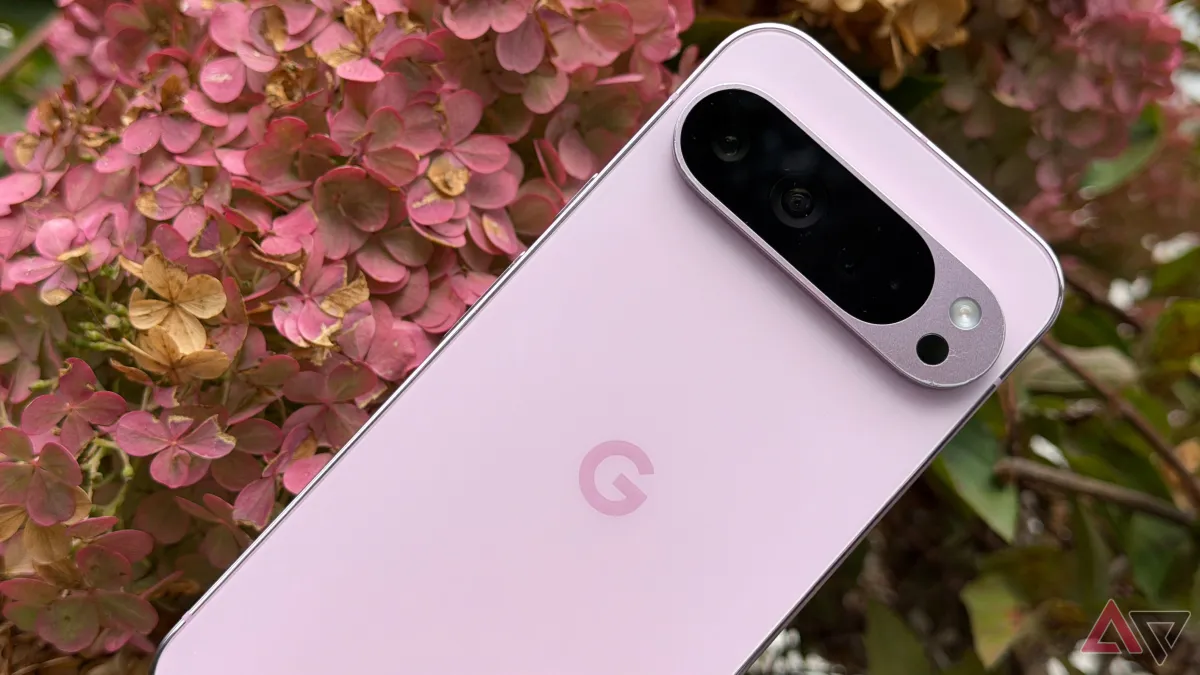
Google Pixel‘s built-in automation tools — long dismissed as minor conveniences — are drawing serious attention from users who say the features have fundamentally changed how they interact with their devices.
The phone’s Routines feature, accessible through the Settings menu, Lets Users trigger a chain of actions — such as toggling Wi-Fi, adjusting display brightness, or silencing notifications — based on time, location, or connected device.
Still, many users initially wrote the feature off as a novelty.
That perception is shifting.
What Pixel Automation Actually Does
At its core, Pixel Routines work by detecting a condition — arriving home, plugging in headphones, reaching a set hour — and then executing a sequence of pre-set commands without user input.
Users can, for example, configure the phone to switch on Do Not Disturb mode when it connects to a work Wi-Fi network, then reverse all those settings the moment it disconnects.
That alone removes several manual taps from a repeated daily action.
By contrast, setting up each toggle individually every morning and evening compounds into a measurable time cost across weeks and months — though no peer-reviewed study has quantified the exact figure for Pixel-specific use cases.
Sleep and Morning Routines Draw the Most Adoption
The highest-engagement use cases center on sleep and wake cycles.
Users configure the phone to dim the screen, activate grayscale mode — which strips color from the display to reduce visual stimulation — and enable a charging reminder at a set bedtime hour.
In the morning, a reverse routine restores full color, raises media volume, and launches a preferred app, such as a news reader or weather tool, without a single tap.
Google has not published adoption figures specifically for Routines, but the company reported in its Google Annual Report that Pixel device engagement metrics have climbed year over year as the hardware lineup expanded.
Driving and Commute Triggers
Location-based triggers represent another high-utility category.
When the phone connects to a car’s Bluetooth system, users can set it to open navigation automatically, read incoming messages aloud via Google Assistant, and suppress all non-urgent notifications.
That sequence removes the need to manually configure the phone while seated in a vehicle — a distraction risk that the National Highway Traffic Safety Administration links to thousands of annual crashes involving hand-held device use.
The Setup Barrier Is Real
Automation does carry an upfront cost — users must spend time building each routine before it delivers any return.
Google’s interface for Routines has improved across recent Pixel software updates, but it still requires navigating several menus and understanding how conditions stack.
Even so, users who push through the initial setup consistently report that the time investment pays off within the first week of regular use.
Background
Google launched the Pixel line in 2016, positioning it as a software-first Android device with features designed to surface deeper operating system capabilities to mainstream users.
Routines existed in earlier Android builds but gained more granular controls and reliability improvements with the Pixel 6 series and subsequent hardware generations.
-

-

-

-

-

-

-

-

