
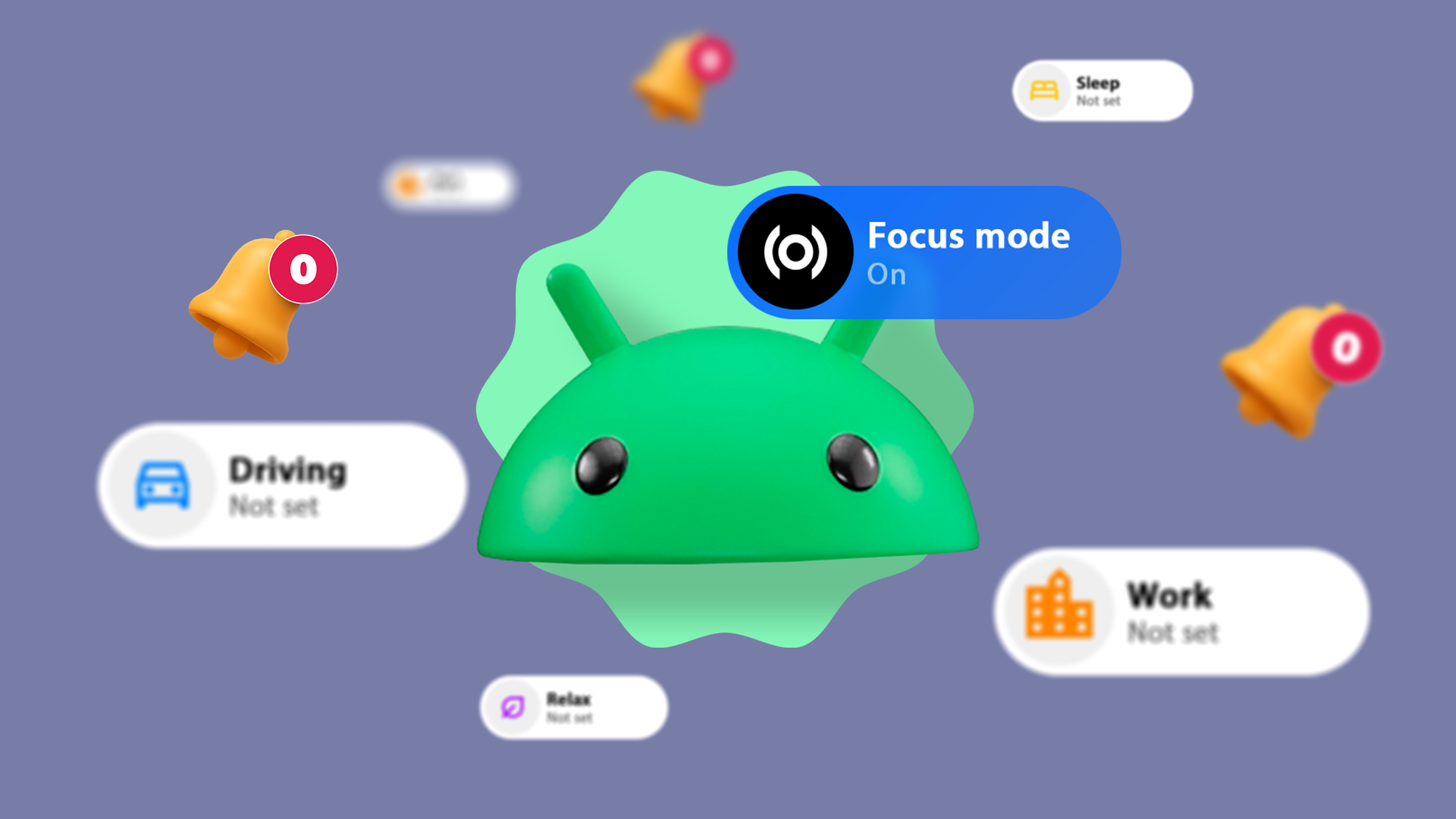
Android’s built-in Focus Mode can silence distracting apps without cutting off calls, messages, or emergency alerts.
The feature lives inside Digital Wellbeing, a suite of screen-time tools Google ships natively on Android devices. Users can pause specific apps — social media, games, shopping platforms — while leaving communication apps fully functional.
What Focus Mode Does
Focus Mode lets users select which apps to pause. Paused apps grey out on the home screen and generate no notifications until the user manually resumes them or a set timer expires.
It does not block the apps permanently. Users can take a break from Focus Mode for a set window — five minutes, fifteen, or thirty — before it re-engages automatically.
Six Practical Combinations
Work hours block. Users can pause social media apps — Instagram, TikTok, X, Reddit — during standard working hours while keeping Gmail, Slack, and phone calls active. This separates professional attention from personal browsing without disabling the device.
Deep work session. A tighter configuration pauses every non-essential app, including news readers and messaging platforms outside of one or two core contacts. Android’s emergency bypass feature still allows repeated calls from the same number to ring through.
Morning routine block. Scheduling Focus Mode to run for the first hour after waking prevents reflexive social media checks before the day starts. Email and calendar apps remain accessible.
Evening wind-down. Users can pair Focus Mode with Digital Wellbeing’s Bedtime Mode, which shifts the screen to grayscale and mutes notifications. Pausing social apps an hour before sleep reduces screen stimulation while keeping alarm functions intact.
Weekend focus window. A time-limited block covering weekend mornings restricts app access during hours typically lost to passive scrolling. Phone and maps apps stay available for practical use.
Study or reading block. Students and readers can pause all apps except a single reference tool — a dictionary, a PDF reader, or a browser tab — keeping the session contained without going fully offline.
How to Set It Up
Focus Mode sits inside Settings, then Digital Wellbeing and parental controls, then Focus Mode. From there, users select which apps to pause and can set a schedule or activate it manually.
The schedule feature runs on a recurring daily or weekly basis. Users pick start and end times for each active day, and the mode engages and disengages automatically.
Google added Focus Mode to Android as part of its Digital Wellbeing initiative, which it launched at Google I/O 2018 alongside tools including app timers, dashboard usage stats, and Wind Down mode.
Digital Wellbeing features are available on Android 9 and above, according to Google’s official product documentation. Some features vary by device manufacturer and Android skin.
-

-

-

-

-

-

-

-

