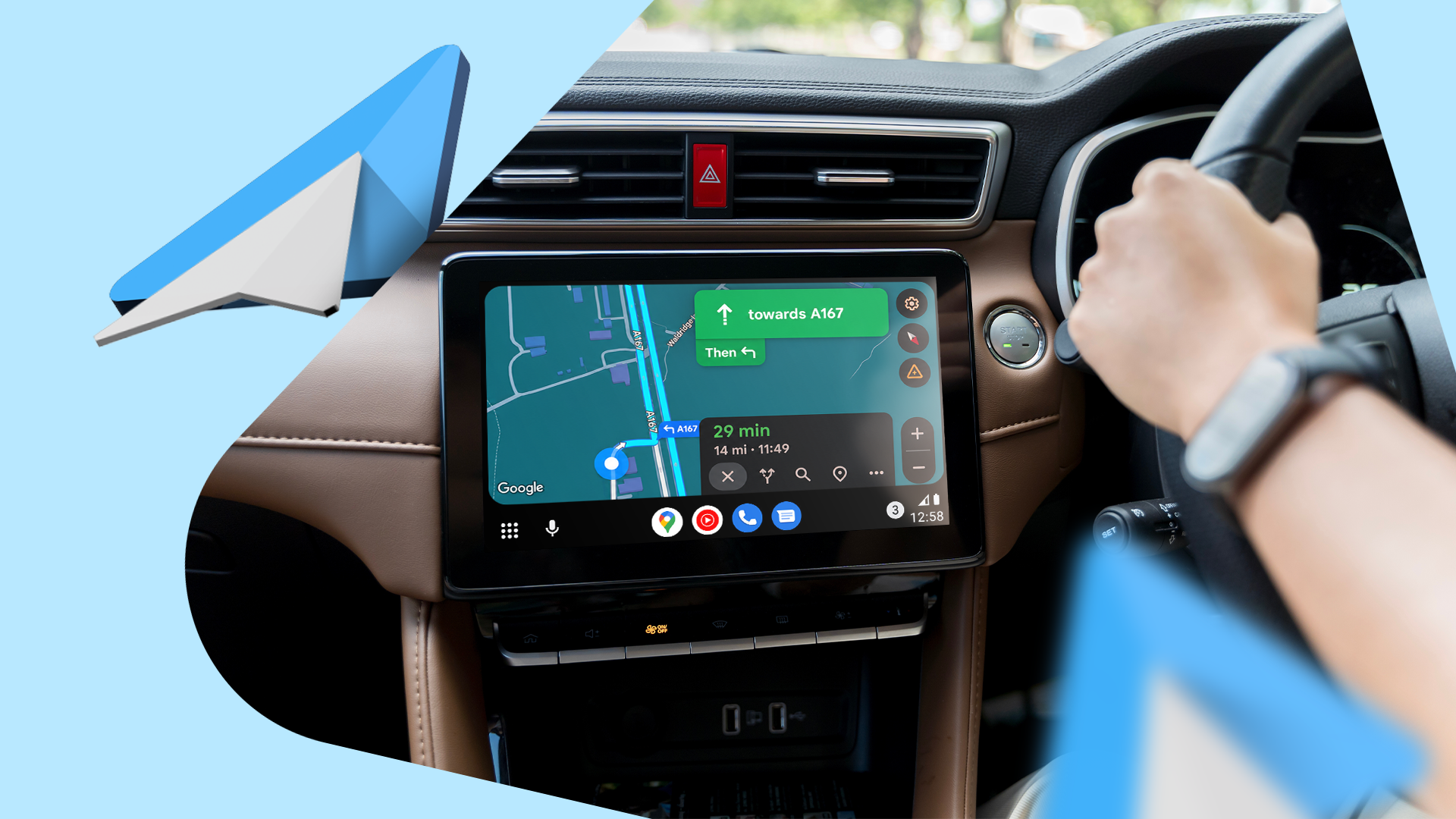
A cluttered Android Auto screen and poorly timed notifications push drivers to reach for their phones — exactly the behavior the platform is designed to prevent.
After several long road trips exposed the limits of a default setup, a series of targeted adjustments to Android Auto’s settings can cut distractions and keep eyes on the road.
Notifications
Interruptions are the fastest way to break focus on a highway. Android Auto allows users to silence all non-essential notifications during a drive, accessible through the app’s settings under “Notifications.”
Turning off heads-up alerts for messaging apps — except those a driver actively uses for hands-free replies — removes the most common source of mid-drive screen clutter.
Screen Layout
The default Android Auto home screen surfaces apps a driver may never touch while moving. Rearranging the launcher to put navigation and audio controls in the primary positions reduces the number of taps needed to perform common actions.
Google Maps and Waze both support voice-activated rerouting, which means a driver should rarely need to touch the navigation panel at all once a route is active.
Audio Controls
Spotify, YouTube Music, and other supported apps expose playback controls directly on the Android Auto interface. Still, the default layout buries the skip and queue functions behind a second tap.
Enabling the media notification persistent bar — available in Android Auto’s appearance settings on some launchers — keeps those controls visible without opening the full audio app.
Do Not Disturb Integration
Android’s built-in Do Not Disturb mode syncs with Android Auto on devices running Android 9 and later. Setting it to activate automatically when the car’s Bluetooth connects removes the step of manually silencing the phone before driving.
Google's Android support documentation confirms the feature works across both wireless and wired Android Auto connections.
Voice Commands
Android Auto’s voice assistant handles a wider range of commands than most drivers use. Sending messages, setting reminders, finding fuel stops, and adjusting the route all work through a single press of the steering wheel’s voice button or a “Hey Google” prompt.
Relying on voice for these tasks keeps both hands on the wheel during the maneuvers when distraction is most dangerous — merges, lane changes, and highway on-ramps.
Navigation Defaults
Google Maps defaults to the fastest route, but on long drives, that setting can route a driver through high-traffic corridors that require constant speed adjustments. Switching the default to prefer highways, or enabling toll-free routing, produces a steadier drive with fewer decision points.
The Maps settings panel inside Android Auto mirrors the full app’s preferences, so changes made in either place apply across both.
Background
Driver distraction contributed to approximately 3,308 deaths in the United States in 2022, according to the National Highway Traffic Safety Administration. The agency classifies reaching for a device while driving as a manual, visual, and cognitive distraction simultaneously.
Android Auto launched in 2015 as Google’s answer to that problem, designed to surface phone functions through a simplified interface built for in-car use.