Google Play’s built-in subscription tracker has quietly become one of the most effective tools for controlling recurring app costs — and Most Users have never opened it.
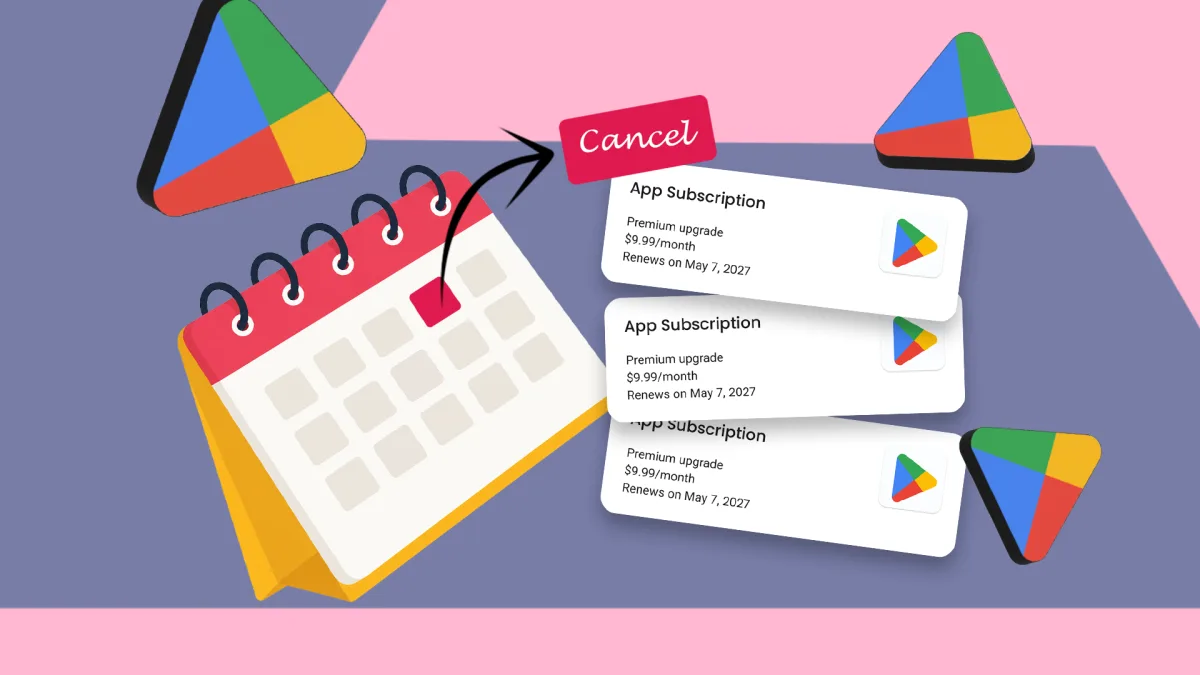
The feature sits inside the Google Play Store and gives users a single dashboard to view every active subscription tied to their Google account, along with billing dates and amounts.
How it works
Users can reach it by opening the Play Store, tapping their profile icon, and selecting “Payments & subscriptions.” Every active charge appears in one list.
From there, canceling or pausing a subscription takes seconds. No hunting through individual apps or wading through cancellation flows buried in settings menus.
Free trials — the kind that convert silently to paid plans after seven or 14 days — appear with their end date clearly labeled. That single detail removes the guesswork that catches most subscribers off guard.
The overspending problem
Subscription fatigue is a documented financial pattern. Reuters has reported on the broader trend of consumers underestimating their total monthly recurring charges, often by a significant margin.
A 2022 survey by the Consumer Financial Protection Bureau found that recurring charges rank among the most common sources of unrecognized bank account deductions reported by U.S. consumers.
The problem compounds with free trials. A user signs up, forgets the end date, and absorbs the charge. Repeated across three or four apps, that adds up fast.
Why this feature stays underused
Google does not prominently advertise the subscriptions dashboard. It requires navigating two layers into the Play Store app, and no notification prompts users to review it.
By contrast, Apple surfaces subscription management inside iOS Settings under the user’s Apple ID — one of the first visible menu options after account details. That placement drives higher awareness.
Still, the Play Store dashboard functions the same way in practice. It covers subscriptions billed through Google Play, which includes most major Android apps that monetize through recurring charges.
What it does not cover
The tool only tracks charges processed through Google Play’s billing system. Subscriptions managed directly by a company — Netflix billed via credit card, for example, rather than through the Play Store — do not appear.
That distinction matters. Many popular services encourage users to subscribe through their own websites to avoid the cut Google and Apple take from in-app purchases, which Apple and Google both set at 15 to 30 percent depending on the developer tier.
Users Who want a complete picture of all recurring charges still need to cross-reference their bank or credit card statements.
Setting up a review habit
Financial advisers broadly recommend a monthly subscription audit. The Play Store dashboard makes the Android side of that audit fast — under two minutes for most users with a typical number of active subscriptions.
The feature has existed in some form since Google unified its payment tools around 2018, following the broader consolidation of Google Wallet and Google Pay infrastructure.